
Feature guide · Live since Aug 1, 2026
Collection reports for insurance
A printable summary of everything you own and what it's worth, ready to save as a PDF for an insurer, an estate, or your own records.
Why it's useful
- Insurers ask for a list with values. This is that list, already made.
- Totals for what you paid and what it's worth sit at the top.
- Save a dated PDF now and then, and you have a record of the collection over time.
How to use it
- 1
Open it from your collection
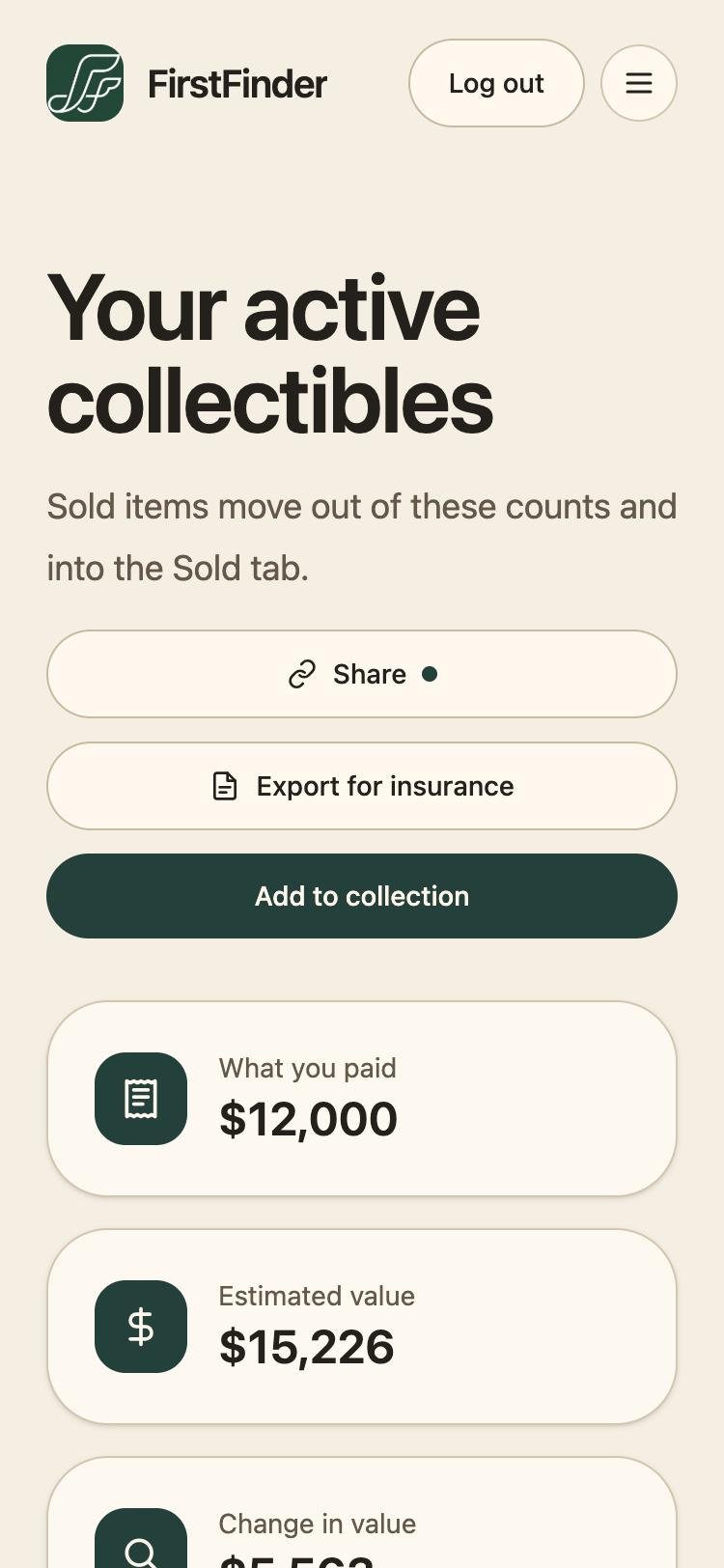
Go to My Collection and tap Export for insurance.
- 2
Check the totals
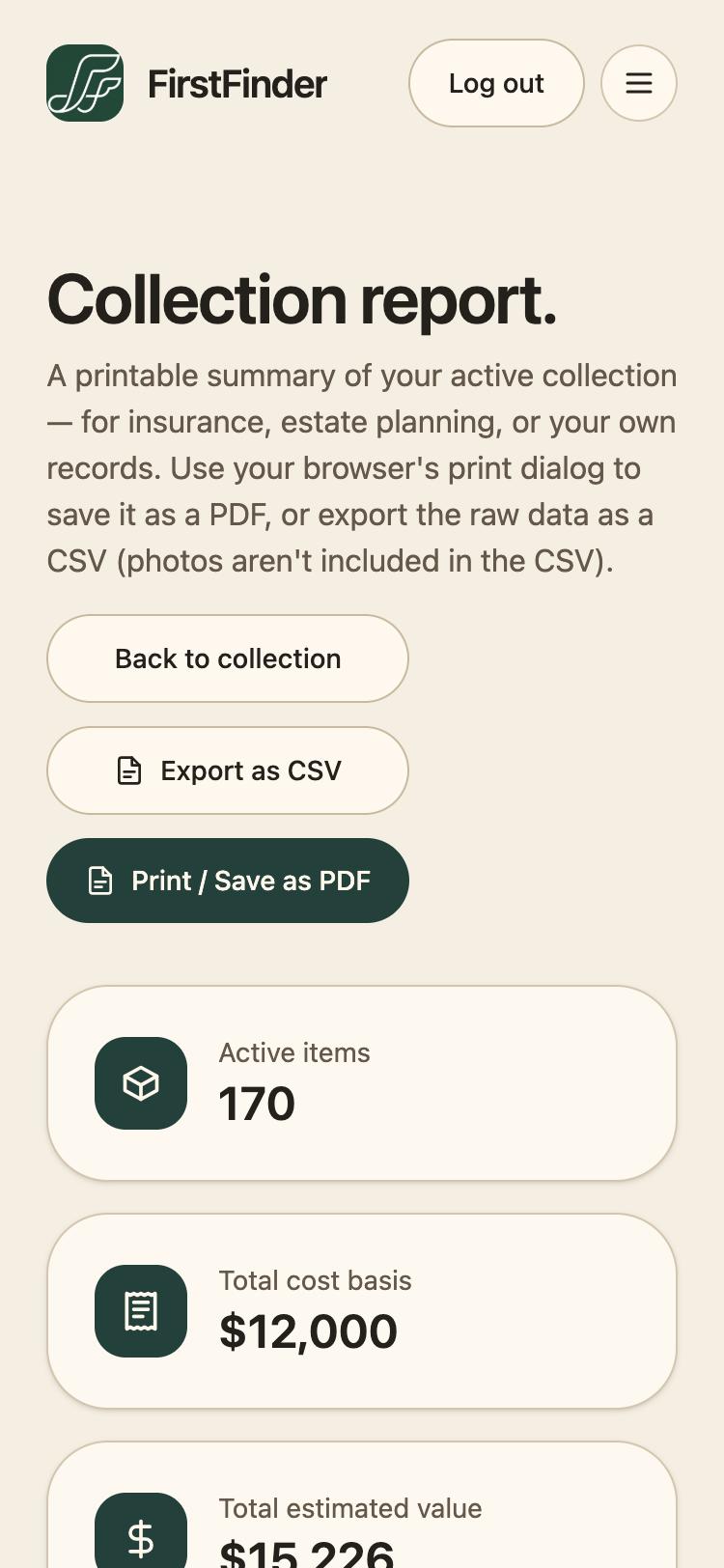
The report covers your active collection: how many items, your total cost basis, and the total estimated value, followed by every item with its category, condition, purchase details, cost, and value.
- 3
Save it as a PDF
Tap Print / Save as PDF and choose Save as PDF in your browser's print dialog. The printed version drops the app's menus and lays each item out so nothing is cut off at the page edge.
- 4
Or take the raw data
Export as CSV downloads the same items as a spreadsheet, for an insurer's own form or your own records. Photos aren't included in the CSV.
Good to know
- Sold items aren't in the report. It describes what you own now.
- The estimated total only adds up items that have a value. One you haven't appraised is left out, not counted as $0.