
Share your collection
Publish a read-only page of your collection at a link you control. You choose who can see it and exactly what it shows.
Why it's useful
- Show a friend, a dealer, or a club what you have without sending a spreadsheet.
- It starts with titles, editions, condition, and photos, and nothing about money unless you turn that on.
- Visitors can search, filter, and open your photos, without being able to change anything.
How to use it
- 1
Open Share from your collection
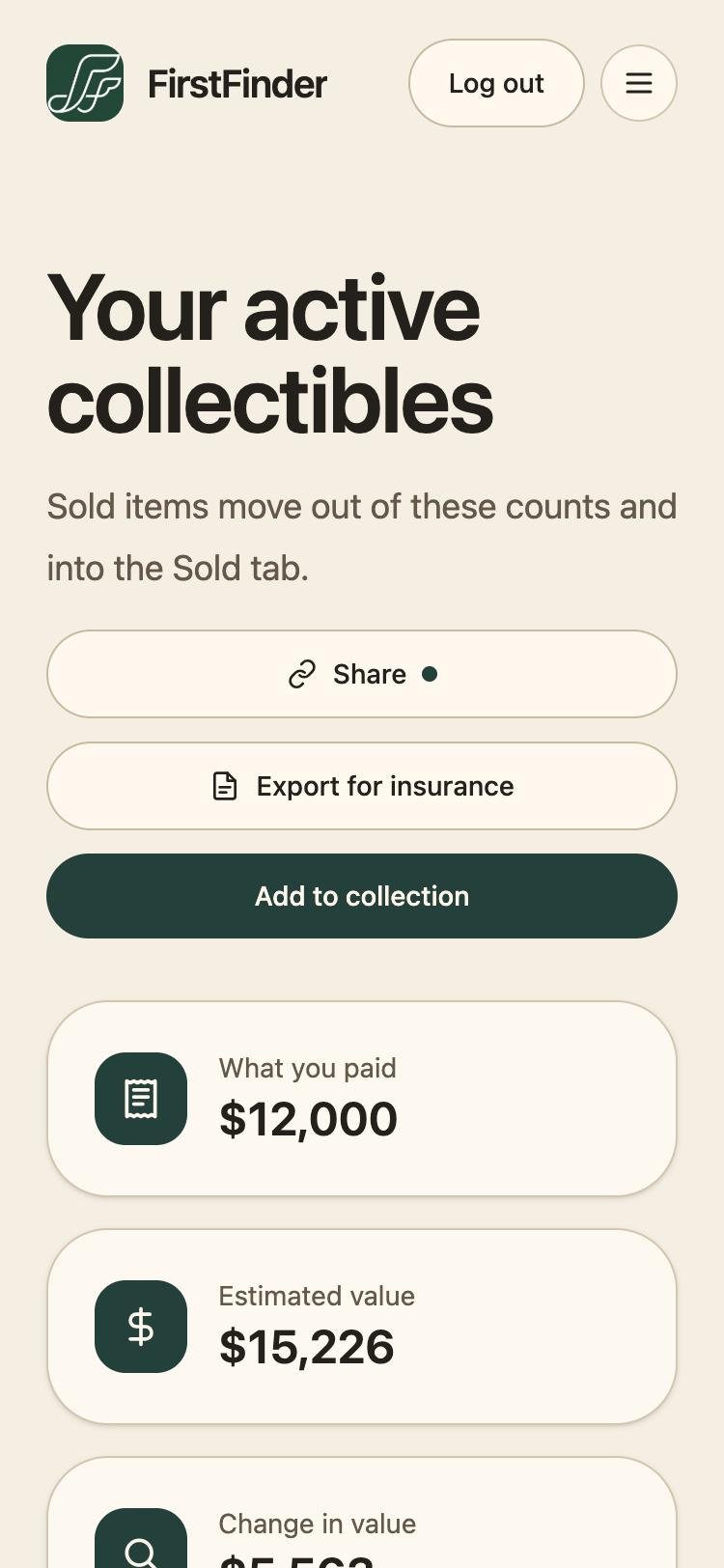
Go to My Collection and tap Share. A dot beside it means your page is live.
- 2
Choose who can see it
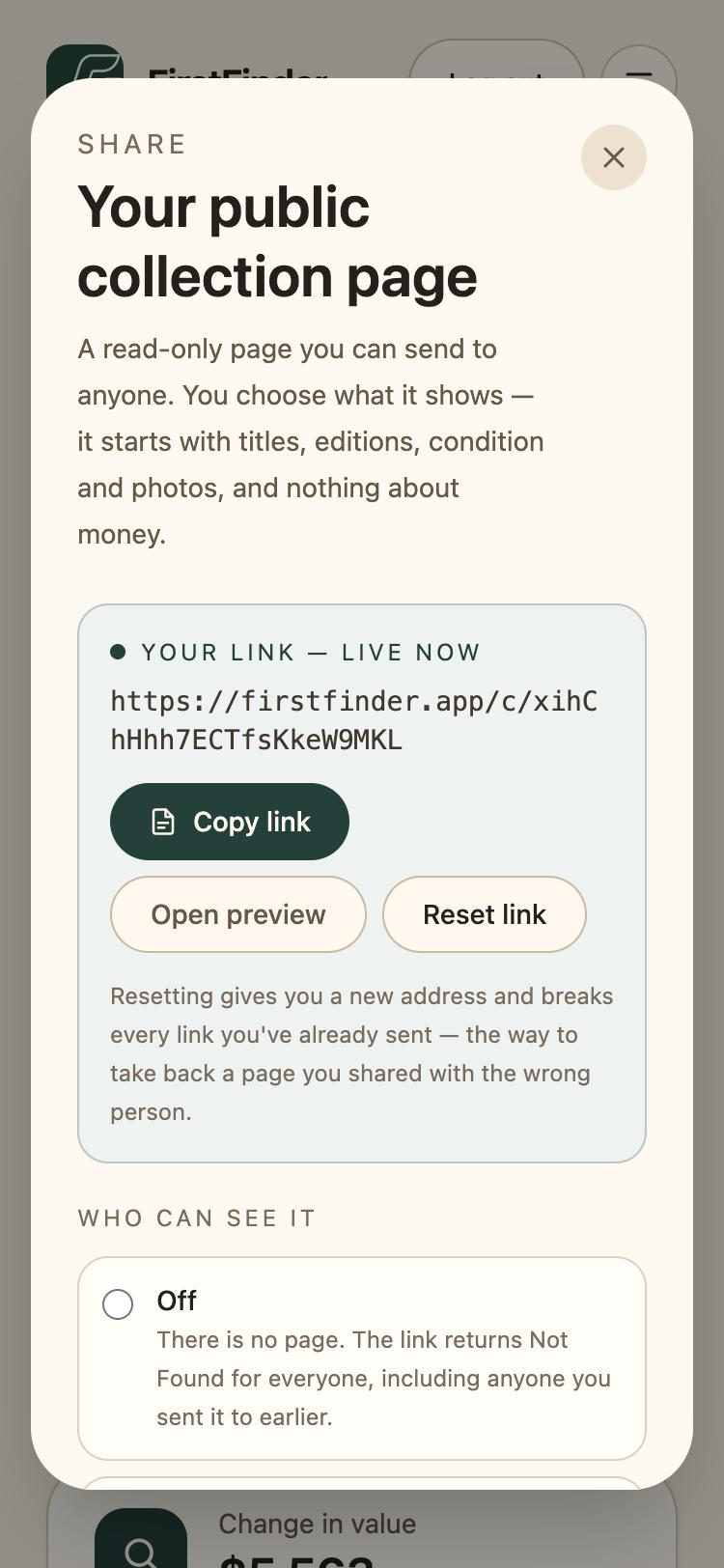
Off means there is no page at all. Anyone with the link lets whoever holds it open the page. Listed on search engines also invites Google to index it. Copy link gives you the address to send; Reset link gives you a new one and breaks the old.
- 3
Choose what it shows
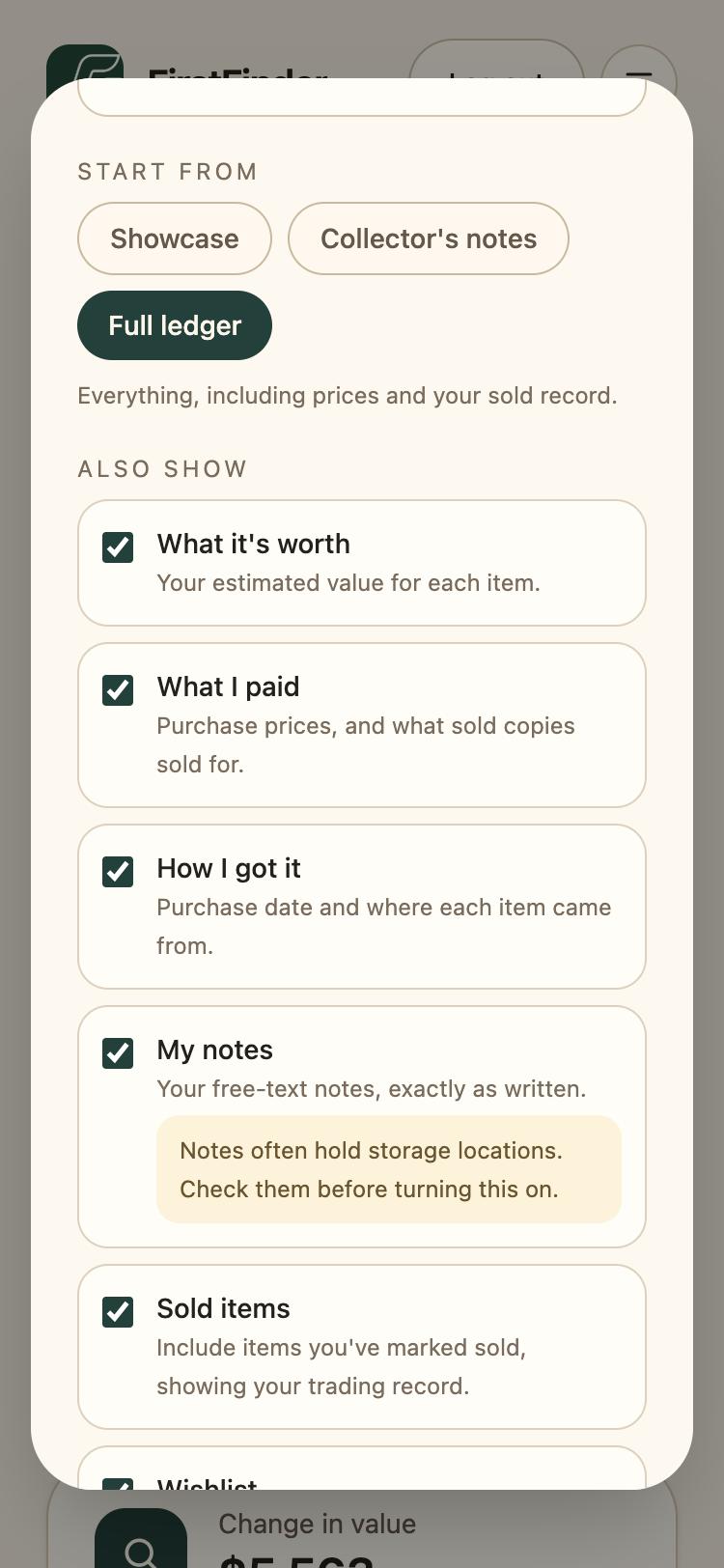
Start from Showcase, Collector's notes, or Full ledger, then fine-tune: what each item is worth, what you paid, how you got it, your notes, sold items, and your wishlist.
- 4
See it the way visitors do
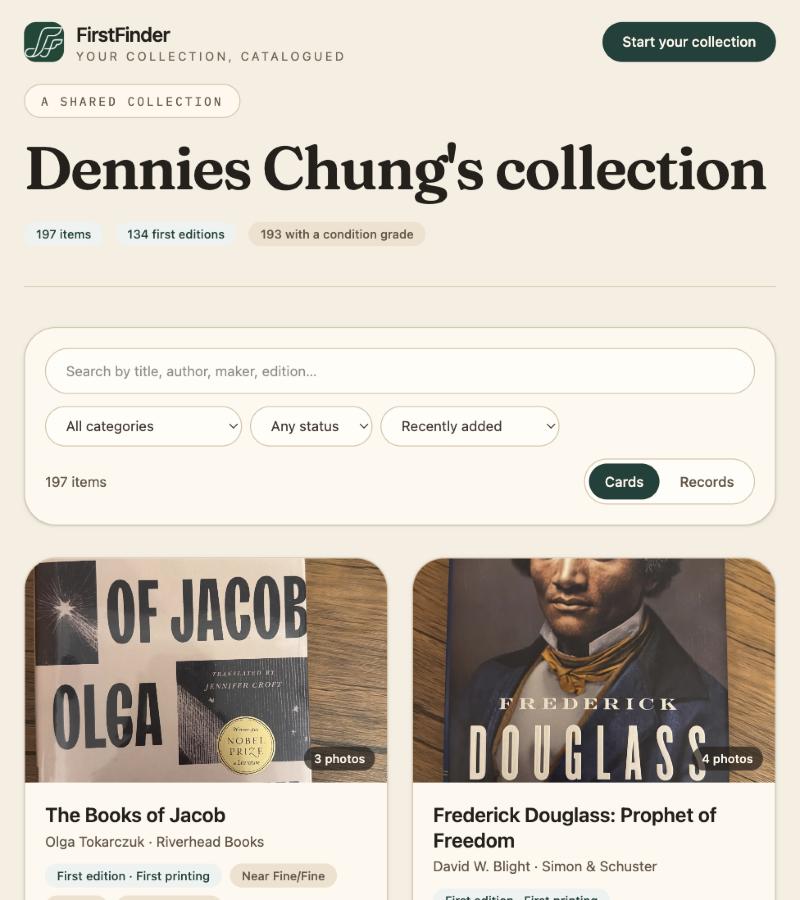
Open preview shows the public page. Visitors can search, filter by category and status, switch between cards and records, and open the photos full size.
Good to know
- Notes often hold where something is stored. Read yours before turning My notes on.
- Turning Listed on search engines off again takes days to clear from search results.
- Want to appear on Explore too? That's a separate switch in the same dialog, and it only works for listed pages.